Notes
Customizing tmux
How to create a tmux theme, load changes and define styles and formats for the panes and status bar
Workflow
3 minutes
- Finished theme: tmux Flat Theme
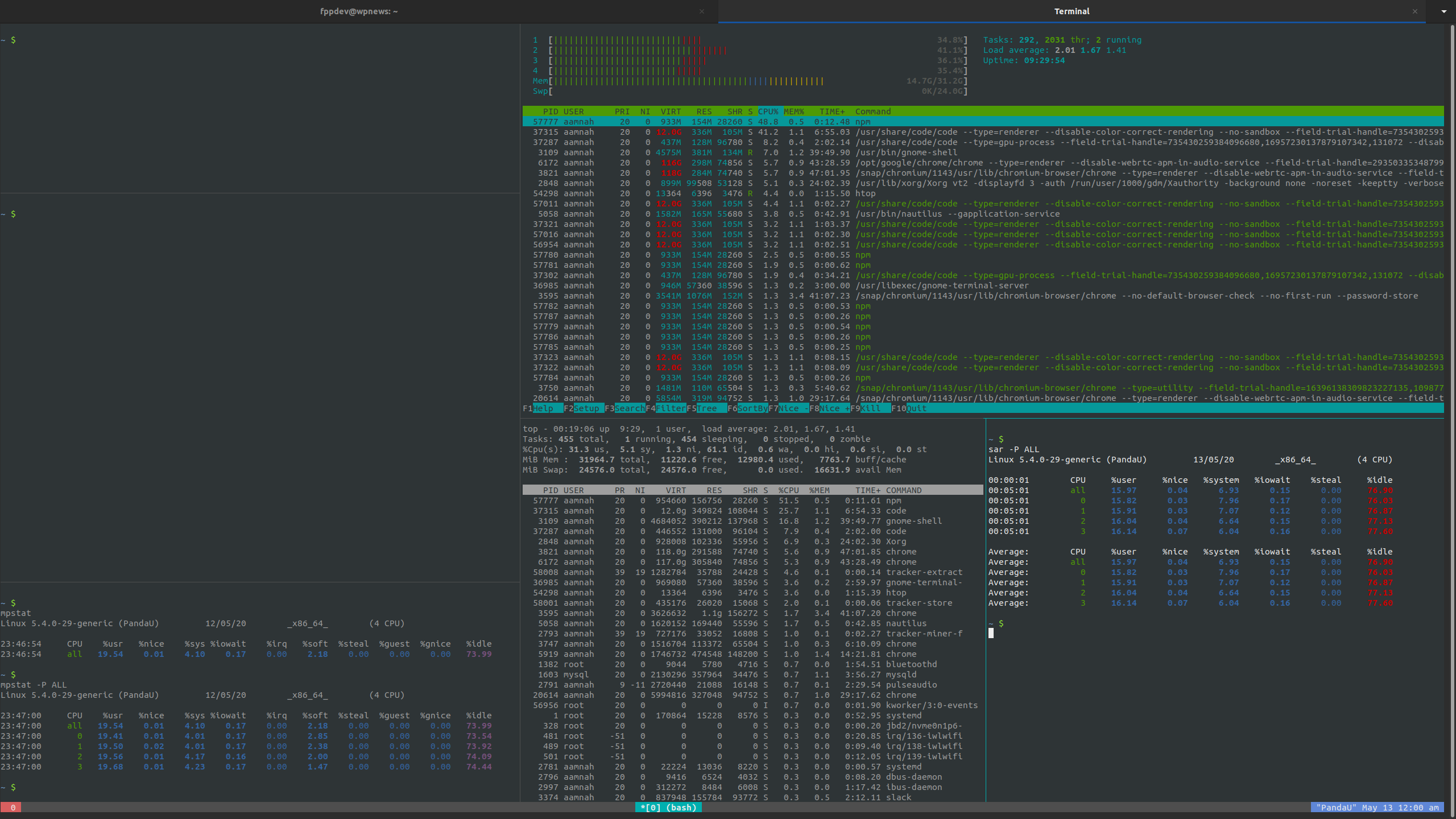
There are example templates available in the /usr/share/doc/tmux/examples folder which are a really good starting point and help you understand how to configure your own theme
creating a tmux theme
- You can edit the
~/.tmux.conffile directly and add your styles or you can save the theme separately and load it from the conf file.
Add this line to the bottom of ~/.tmux.conf:
1run-shell ~/file/path/flatui-theme.tmux
This approch is safer as you are not editing your conf file directly and won’t mess it up by chance. It is also good when you’re testing multiple themes. You can just comment/uncomment the line that loads a theme instead of overwriting the entire .tmux.conf file every time
reloading the changes
- You can either load the file from inside
tmux - You can load the file from the Terinal
1tmux source-file ~/.tmux.conf
- Or you can add a key binding for it
1bind r source-file ~/.tmux.conf \; display "Reloaded ~/.tmux.conf"
- Or you can quit
tmuxand start it again
1# kill all sessions
2<prefix> &
- In cases when you can’t see your changes but are sure you made them, try quitting and restarting
tmuxand see if it is giving any errors
Panes
-g shows the styles for the current pane
-T sets the title for the current pane
Customization
You can save color variables like Bash
HIGHLIGHT="#3fcfff"and use the$HIGHLIGHTYou can use terminal colors (black, red, green, yellow, blue, magenta, cyan, white etc.), Hexadecimal (’#ffffff’, all 6 digits, no #FFF shorthand, needs to be in commas), and 256 colour set: (colour0 till colour256)
Possible color values:
- Hexadecimal (
'#ffffff', all 6 digits, no #FFF shorthand, needs to be in commas) - Terminal colors (
black,red,green,yellow,blue,magenta,cyan,white) - 256 colour set:
colour0tillcolour256
- Hexadecimal (
You can use the
defaultkeyword to use default colors.Possible Attribute values:
none,bright,bold,dim,underscore,blink,reverse(reverses the FG and BG colors),hidden,italics,strikethrough(bold, underscore and reverse worked for me)- to disable the attribute, prefix with no. e.g.
noreverse,noitalicsetc.
 1# Multiple ways of defining style
 2# --------------------------------
 3
 4# 1. Define background `bg` and foreground `fg` separately
 5set-window-option -g window-status-current-fg white
 6set-window-option -g window-status-current-bg default
 7
 8# 2. One-liner
 9set -g pane-border-style 'fg=#585858, bg=#262626'
10
11# 3. Use color variables (double quotes "" are important to get the values)
12set -g status-style "fg=${CLOUDS}, bg=${TURQUOISE}"
1# Examples with colors AND attributes
2fg=yellow,bold,underscore,blink
3bg=black,fg=default,noreverse
- Variable substitution only works if you use double commas
" "
Pane Styles
- by default
window-styleandwindow-active-styleare used to style a pane.
 1# Color Variables
 2WINDOW_FG="#95a5a6"
 3WINDOW_BG="black"
 4WINDOW_ACTIVE_FG="#ecf0f1"
 5WINDOW_ACTIVE_BG="black"
 6
 7# Inactive Pane
 8set -g window-style "fg=${WINDOW_FG}, bg=${WINDOW_BG}"
 9
10# Active Pane
11set -g window-active-style "fg=${WINDOW_ACTIVE_FG}, bg=${WINDOW_ACTIVE_BG}"
- you can also set the style for a single pane by using the
select-paneoption with the-Pflag
1select-pane -t:.1 -P 'bg=red'
Conditionals
- You can use conditionals in config files
Within a configuration file, commands may be made conditional by surrounding them with
%ifand%endiflines. Additional %elif and %else lines may also be used. The argument to%ifand%elifis expanded as a format and if it evaluates to false (zero or empty), subsequent lines are ignored until the next%elif,%elseor%endif. For example:
1%if #{==:#{host},myhost}
2set -g status-style bg=red
3%elif #{==:#{host},myotherhost}
4set -g status-style bg=green
5%else
6set -g status-style bg=blue
7%endif
Will change the status line to red if running on ‘myhost’, green if running on ‘myotherhost’, or blue if running on another host.
Existing variables and running commands
- Special character sequences are enclosed in
#{ } - Commands are enclosed in
#( )
#(pwd)
#{pane_current_path}
Links