Notes
Monitoring system resource usage and statistics on Ubuntu
figuring out what caused the server to go down this morning
System Administration
2 minutes
Basically, i’m looking for answers to these:
- Why did the server go down?
- What process was taking so many resources that the server crashed?
CPU utilization history and logs with System Activity Reporter (SAR)
The sar command can give you CPU utilization history. It’s a part of a software bundle called sysstat which you’ll need to install on Debian/Ubuntu
 1# install
 2sudo apt install -y sysstat
 3
 4# enable data collection
 5# Set ENABLED="true" in "/etc/default/sysstat"
 6sudo sed -i 's/ENABLED="false"/ENABLED="true"/g' /etc/default/sysstat
 7
 8# change the collection interval from every 10 minutes to every 2 minutes.
 9sudo sed -i 's/5-55\/10/*\/2/g' /etc/cron.d/sysstat
10
11# restart sysstat for the change to take effect and data collection to start working
12sudo service sysstat restart
13
14
15# check cpu utilization
16sar
The logs are saved in /var/log/sa/
By default only activity of last 7 days are saved, to change it, please check:
/etc/sysconfig/sysstat
To check for example yesterday (05 October):
1sar -P ALL -f /var/log/sa/sa05
You can script the above for configuring all new Ubuntu machines to have sysstat from the get go
1sudo apt-get install sysstat -y
2sudo sed -i 's/ENABLED="false"/ENABLED="true"/g' /etc/default/sysstat
3sudo sed -i 's/5-55\/10/*\/2/g' /etc/cron.d/sysstat
4sudo service sysstat restart
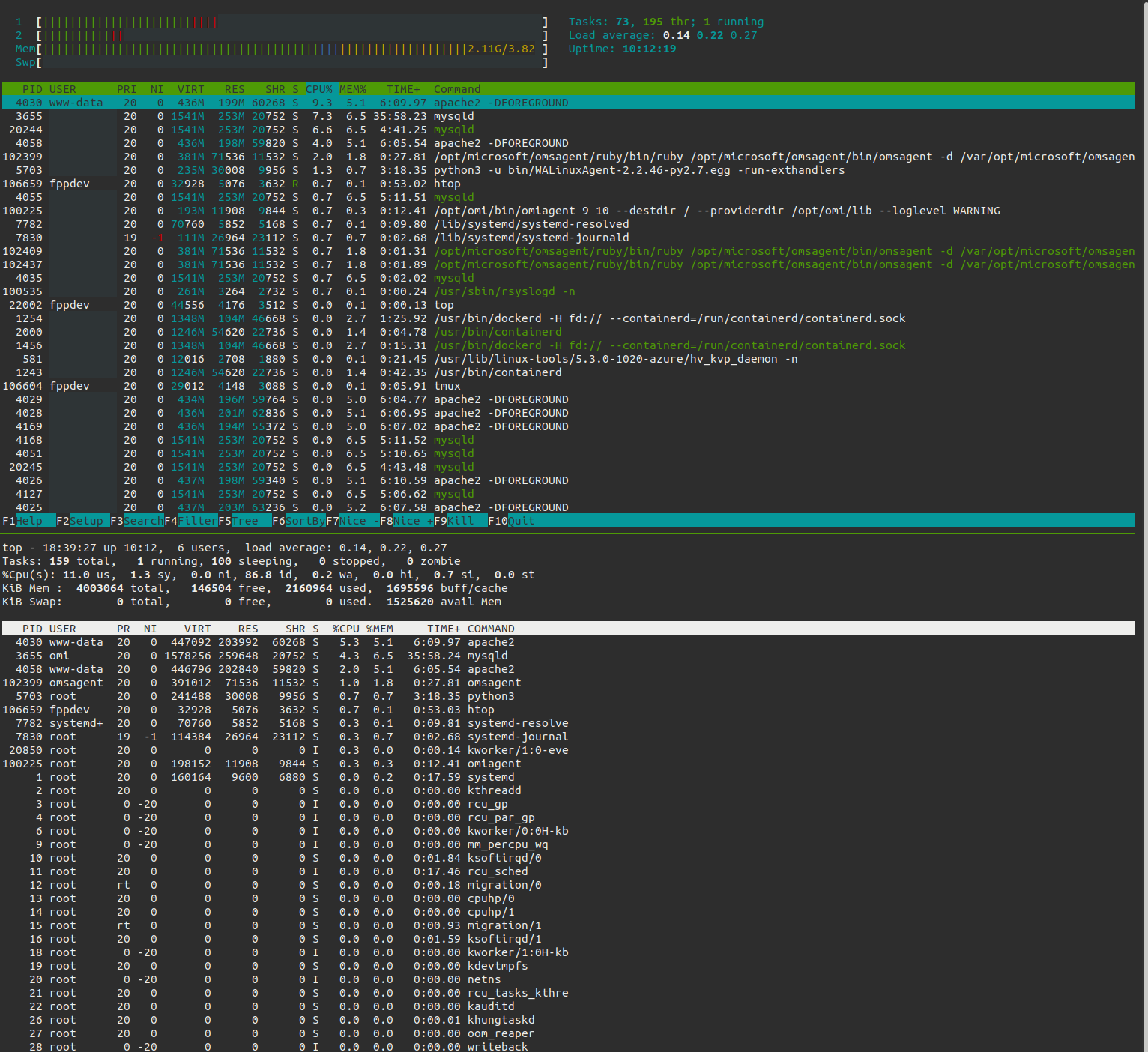
Real-time CPU and memory usage
htopandtop.htopis definitely an improvement overtop